Version v3.2.0
Auditing
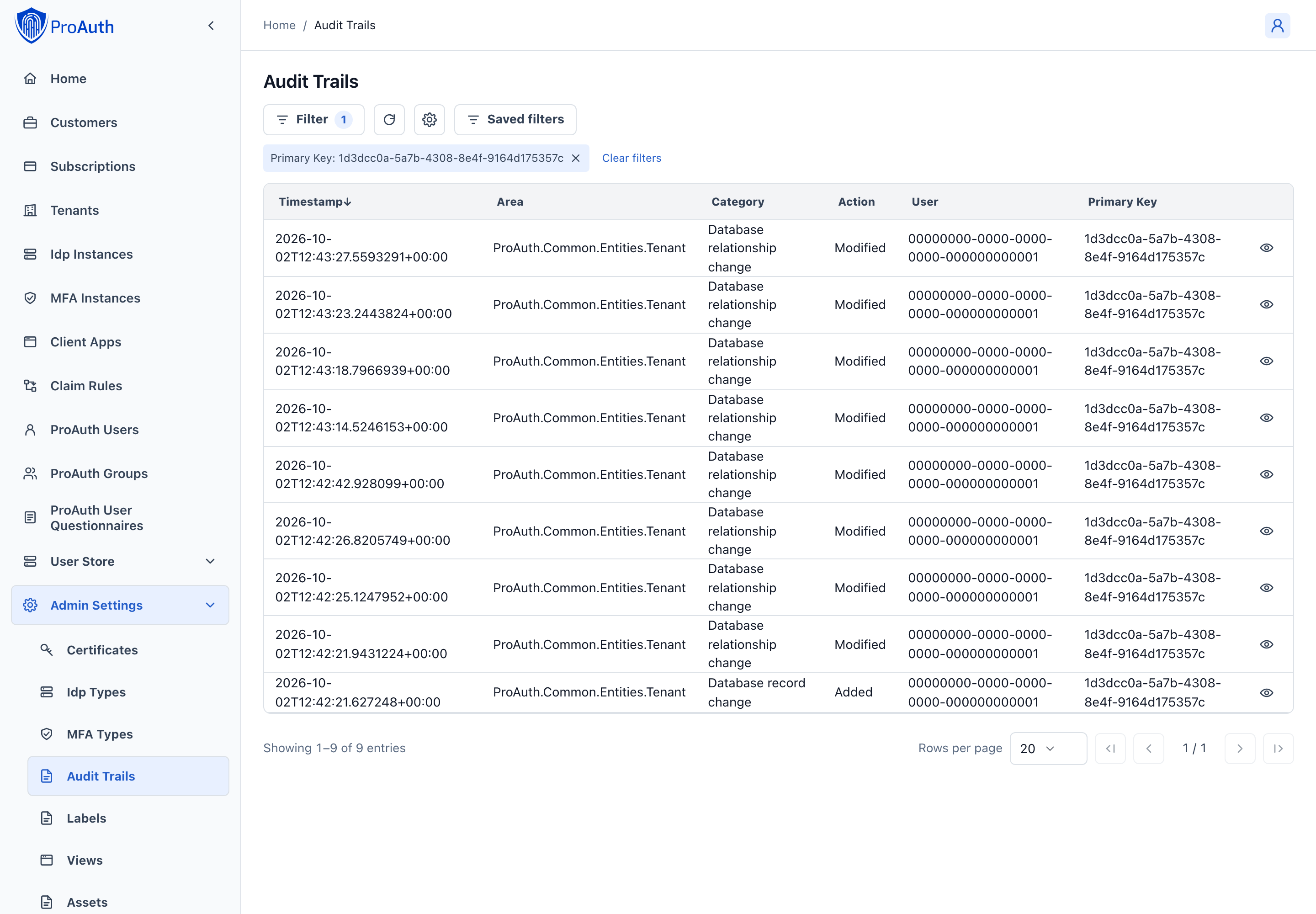
ProAuth includes a database auditing functionality for specific entities. All the audit log entries are written to the audit tables of each database (configuration database and user store databases). For the configuration database, there is also a built-in audit trail viewer with a diff-viewer.
Background jobs
Job queue bookkeeping, such as execution ownership and start timestamps, does not generate audit trail entries. Job execution and failures are recorded in operational logs. Changes that jobs make to audited user or configuration records remain audited. Existing job queue audit entries are retained.
Authorization
Audit trail entries can only be viewed by users and applications with either an assigned SystemAdmin role or AuditTrailReader role. This is due to the fact, that audit trail is logging sensitive information which should only be accessible to a close group of administrators or applications.
To avoid unnecessary assignments of the SystemAdmin role, it is possible to assign the AuditTrailReader role instead. The AuditTrailReader role allows to retrieve data from the AuditTrail API.
Audit Trail Entry
Each audit trail entry contains the following data:
Id
Unique identification of the entry
Timestamp
Category
Category of audit trail entry. Currently only database record change is supported.
Area
For database audit trail entries, this contains the entity type.
Action
The type of action which was audited: Added, Modified, Deleted
User
The ProAuth user id who performed the change.
Data Source
For database audit trail entries, this represents the connection string.
Signature Public Key Info
Key information to identify the the public key of the key pair which was used to sign the entry.
Signature
Each audit trail entry is signed with a certificate stored in the internal certificate store. Any change on the audit trail entry would invalidate the signature.
Original Content
The content before the action has been applied (not available for created entities)
Current Content
The content after the action has been applied (not available for deleted entities)